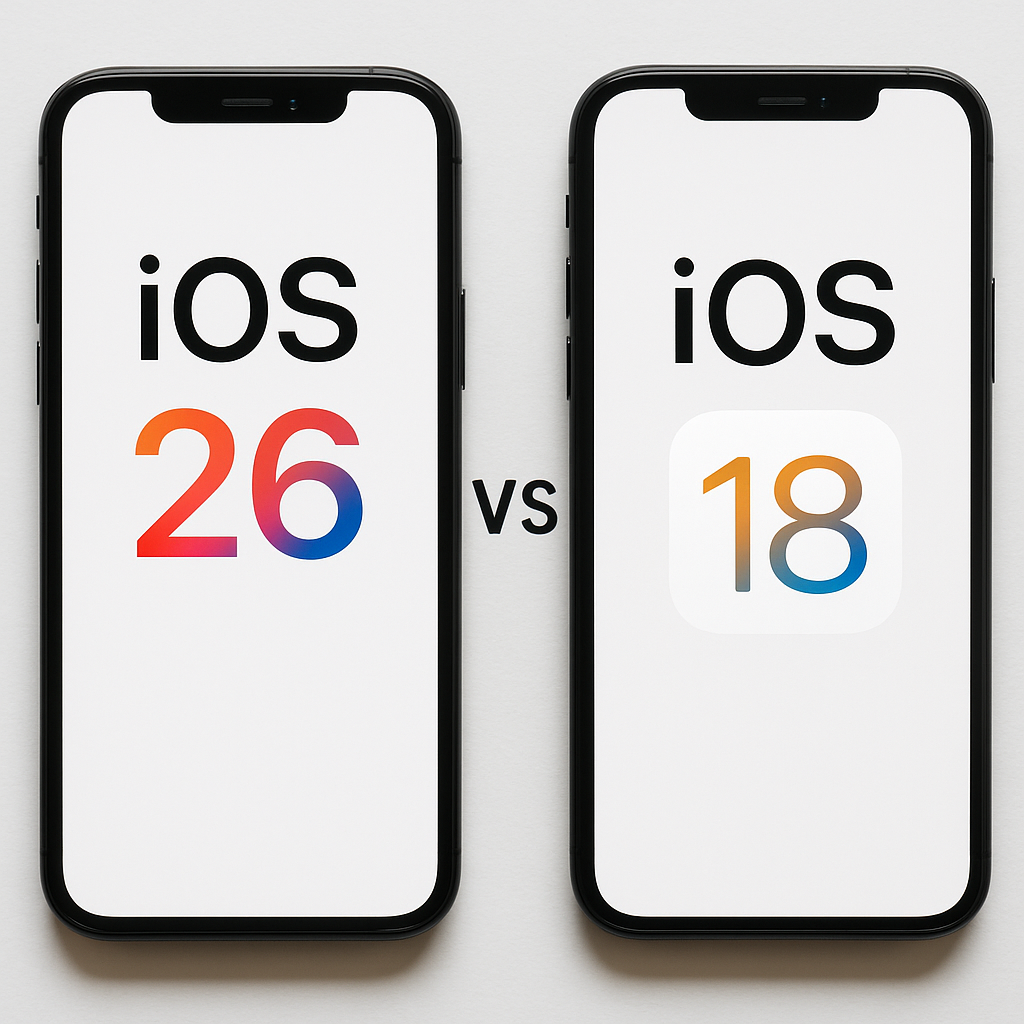
Visual comparison showing iOS 26 and iOS 18 on iPhone devices, highlighting version differences.
Major iOS updates are usually met with excitement, but iOS 26 problems have triggered hesitation among iPhone users worldwide. Reports of battery drain, overheating, app instability, and performance drops are raising a critical question: Is iOS 26 worth updating to, or is sticking with iOS 18 the smarter move?
This in-depth guide explains what iOS 26 changes, why users are struggling with it, how it compares to iOS 18, and how to decide what’s best for your device.
Is It Worth Updating to iOS 26?
The value of updating to iOS 26 problems depends less on hype and more on your iPhone model, battery health, and daily usage.
For users with newer iPhones and strong battery health, iOS 26 introduces architectural changes that may feel more future-proof. However, for millions of users still on older but capable devices, the experience has been less positive.
iOS 26 focuses heavily on background intelligence, system automation, and expanded privacy controls. These enhancements come at a cost—higher system load and greater battery demand, especially during daily use.
If your priority is reliability over new features, many users find iOS 18 to be the more dependable choice.
Why Is iOS 26 Killing Battery Life?
Battery drain is the most reported of all iOS 26 problems.
After updating, many iPhones show faster battery loss even during light use. This is not simply user perception—it’s tied to how iOS 26 operates internally.
Search more topics
Explore related answers and trending queries in seconds.
Why battery drain happens
-
Continuous background indexing
-
Increased AI-based photo and search processing
-
Modified background app refresh rules
-
Location services resetting after the update
-
Heavier system animations
While Apple states that battery usage should normalize after a few days, user reports suggest that in many cases, battery drain persists well beyond the initial adjustment period.
Older iPhones, in particular, struggle to balance performance with energy efficiency under iOS 26. Devices running iOS 18.6.2 or iOS 18.7 generally show more predictable battery behavior.
Is It Safe to Download iOS 26?
From a security standpoint, iOS 26 is safe to install. Apple includes patches for known vulnerabilities and security flaws.
However, safety is not the same as usability.
Users have reported:
-
Apps crashing after launch
-
Bluetooth and Wi-Fi inconsistencies
-
Random UI stutters
-
Overheating during simple tasks
These issues don’t put personal data at direct risk, but they can disrupt productivity and everyday phone usage. If your device is used for work, navigation, or essential communication, stability matters more than feature access.
Why Did Apple Jump From iOS 18 to iOS 26?
The jump from iOS 18 to iOS 26 has caused confusion, but it does not mean eight versions were skipped.
Apple aligned iOS versioning with its internal system architecture and long-term platform goals. This move was designed to unify Apple’s operating systems across devices, not to represent a normal yearly update cycle.
Large version jumps often signal deeper changes under the hood—and those changes usually take time to mature. Early adoption frequently involves trade-offs.
iOS 18 vs iOS 26: Which Is Better Right Now?
For many users, the answer comes down to stability versus innovation.
Why iOS 18 still performs well
-
Optimized for a wide range of devices
-
Better battery efficiency
-
High app compatibility
-
Minimal background processing
-
Proven daily reliability
Where iOS 26 has an edge
-
New system features
-
Updated privacy controls
-
Longer-term support outlook
-
Improved Apple app integration
At the moment, iOS 18.7 stands out as a balanced option, offering security updates without the instability seen in early iOS 26 builds.
Is It Risky to Update From iOS 18 to iOS 26?
Updating from iOS 18 carries moderate risk, particularly for users with older devices.
Once Apple stops signing earlier firmware versions, downgrading becomes difficult or impossible without data loss. This means that a rushed upgrade could lock you into performance issues.
Before updating, users should:
-
Check battery health
-
Back up data to iCloud or a computer
-
Monitor user feedback after patch releases
-
Avoid updating before travel or major commitments
Being cautious with major updates has long been considered best practice—and iOS 26 problems reinforces that rule.
What Are the Negatives of iOS 18?
While iOS 18 is stable, it is not feature-rich by today’s standards.
Common complaints include:
-
Limited customization
-
Older user interface design
-
Fewer intelligent system features
-
Less focus on automation
However, these limitations are partly why iOS 18 performs so consistently. The system prioritizes reliability over experimentation, something many users still value.
Is iOS 18 Still Good in 2025?
Yes. iOS 18 remains a strong operating system, especially for users who want predictable behavior and solid battery life.
Apple continues to provide security patches for late iOS 18 builds, making them safe for everyday use. Many users report smoother performance and better thermal control compared to iOS 26.
For devices two years old or more, iOS 18 often delivers a better overall experience.
Is It Safe to Update to iOS 18.6.2?
iOS 18.6.2 is widely considered one of the safest releases in the iOS 18 cycle.
It includes:
-
Important security updates
-
Minimal performance regression
-
Excellent app compatibility
-
Stable battery usage
For users hesitant about iOS 26 problems, updating to iOS 18.6.2 or 18.7 is a practical compromise that balances security and stability.
Who Should Update to iOS 26—and Who Should Wait?
Update to iOS 26 if:
-
You use a newer iPhone
-
Battery health is excellent
-
You enjoy new features
-
You don’t mind occasional bugs
Stay on iOS 18 if:
-
Battery life is critical
-
Stability matters more than features
-
Your device is older
-
You depend on work-related apps
Choosing not to update immediately is not falling behind—it’s making an informed decision.
Final Recommendation
iOS 26 introduces meaningful changes, but it is not yet the best option for everyone. The surge in user-reported issues shows that the update still needs refinement.
For most users today, iOS 18.7 or iOS 18.6.2 remains the safest and most reliable choice. iOS 26 will likely improve over time, but early adoption carries visible downsides.
About The Author

Search Anything
Search any topic — insurance, loans, travel, technology, health, and more.