

Every business loses potential revenue when leads fall through the cracks or customer follow-ups get forgotten. CRM software solves this by organizing contacts, tracking interactions, and automating reminders so your team never misses an opportunity. Whether you run a small service business or a growing sales team, the right CRM can transform how you manage relationships and close deals.
What Is CRM Software and Why Your Business Needs It
Customer relationship management software helps businesses manage interactions with current and potential customers in a centralized system. It stores contact information, tracks communication history across email and phone, automates follow-up tasks, and provides reporting insights that help teams sell more effectively. For any business that relies on repeat customers, qualified leads, or longer sales cycles, CRM software is no longer a nice-to-have — it is essential business infrastructure. A good CRM system replaces scattered spreadsheets, sticky notes, and disconnected email threads with a single, accessible source of truth that everyone on the team can use.
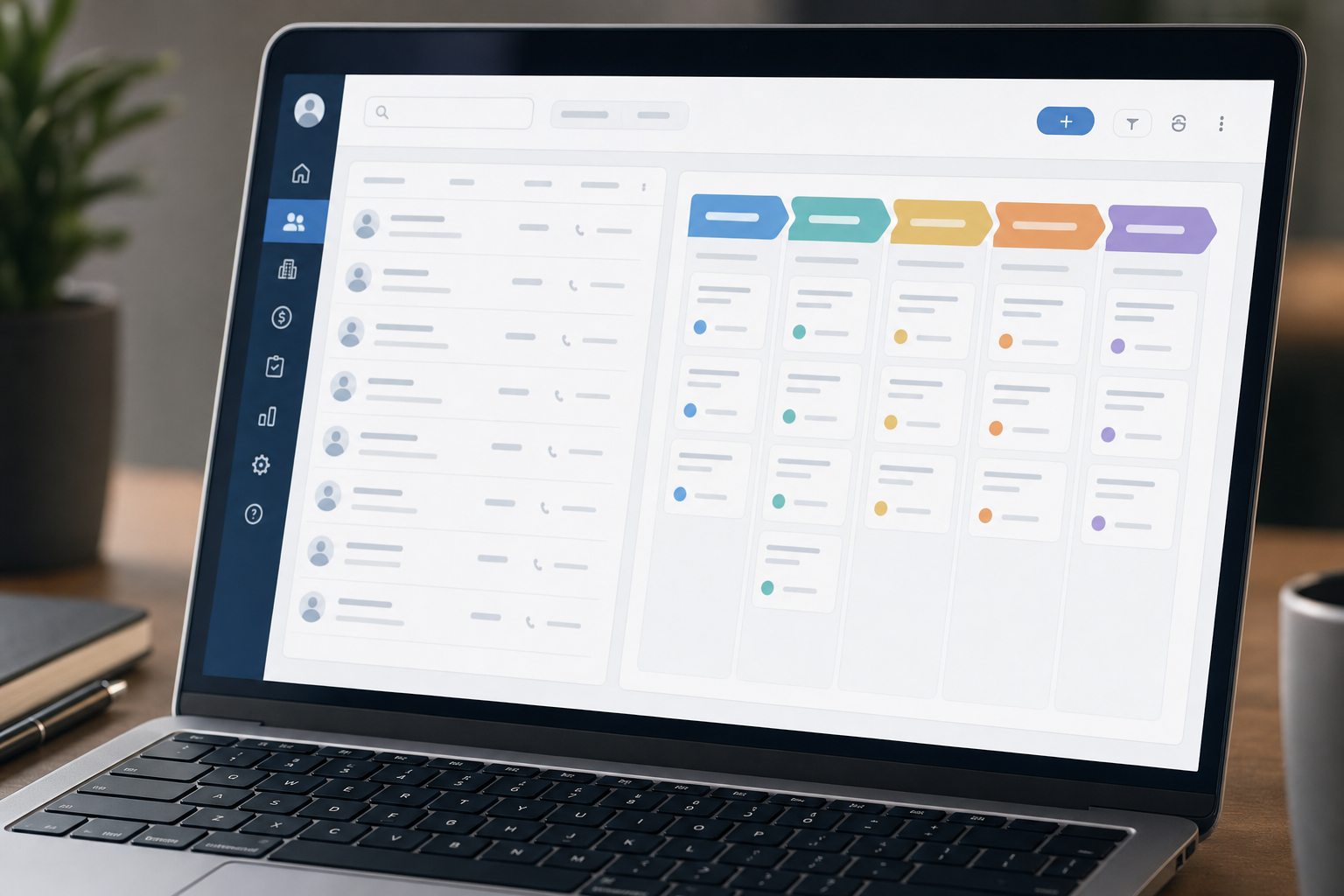
CRM platforms have evolved significantly over the past decade. Modern systems include artificial intelligence features that score leads based on their likelihood to convert, predict which deals are most likely to close, and recommend the best next action for each contact. They integrate seamlessly with email platforms, calendar apps, marketing automation tools, and accounting software. Whether you run a solo consulting practice or manage a fifty-person sales team across multiple regions, the right CRM can save hours of manual data entry each week while improving the consistency and professionalism of your customer outreach. The investment in a good CRM typically pays for itself within the first few months of proper use.
Core Features Every Good CRM System Should Have
Contact and Lead Management
The foundation of any CRM is its ability to store and organize contact information effectively. Each contact record should include names, email addresses, phone numbers, company details, social media profiles, and a complete history of every interaction your team has had with that person. Leads are tracked through clearly defined stages — from initial inquiry to qualified prospect to negotiation to closed deal. Good CRMs allow you to tag, segment, and filter your contacts so you can send targeted communications to the right people at the right time. Custom fields let you capture the specific information that matters most to your business, whether that is budget range, decision timeline, or product interest.
Sales Pipeline Visualization
A visual sales pipeline shows you exactly where every deal stands at a glance. You can see how many deals are in the negotiation stage, which ones need follow-up calls, and which opportunities are likely to close this month. Pipeline tracking helps sales managers forecast revenue more accurately and identify bottlenecks in the sales process before they become problems. When deals stall at a particular stage, the CRM can trigger automatic alerts so your team can take action before valuable opportunities go cold. This level of visibility transforms sales management from a guessing game into a predictable, manageable process that you can continuously improve.
Automation and Workflow Tools
Automation is where CRM software delivers the biggest time savings for most businesses. You can set up workflows that automatically send welcome emails to new leads, assign follow-up tasks to team members when a deal reaches a specific stage, or send reminder notifications when a contact has not been reached in a set number of days. These automated sequences ensure that critical steps never fall through the cracks while freeing your team from repetitive manual work. The best CRM platforms allow you to build these workflows using simple visual editors that require no coding knowledge, making automation accessible for small and medium-sized businesses.
Reporting and Analytics Dashboards
Modern CRMs generate reports that show you exactly what is working and what needs adjustment. You can track conversion rates at each stage of the pipeline, average deal size, sales cycle length, individual and team performance metrics, and revenue forecasts. Customizable dashboards give you a real-time view of the key metrics that matter most to your business, and deeper custom reports help you investigate specific questions about your sales process. Data-driven decisions are consistently more accurate than decisions based on gut feeling, and a good CRM puts that data at your fingertips every day without requiring manual spreadsheet work.
How to Choose the Right CRM for Your Business
Not every business needs the same type of CRM. A solo freelancer may only need a simple contact manager with basic email integration and task tracking. A growing team of ten people might need pipeline visualization, shared calendars, and basic workflow automation. An enterprise organization with multiple departments needs a platform that scales across sales, marketing, and customer support with advanced permissions and custom reporting. Start by listing your must-have features, your monthly budget, and the number of users who will access the system regularly. Most CRM providers offer free trials of 14 to 30 days, so take advantage of them before making a financial commitment.
Popular CRM options include Salesforce for large enterprises with complex needs, HubSpot for mid-market teams that also need marketing automation, Pipedrive for sales-focused small teams who want a simple visual pipeline, and Zoho CRM for budget-conscious businesses that need strong feature sets at a lower price point. Each platform has distinct strengths, and the right choice depends on your specific workflow, technical comfort level, and growth plans. Consider integration capabilities carefully — your CRM should connect smoothly with the tools you already use daily, such as Gmail, Outlook, Slack, QuickBooks, and your marketing email platform.
Implementing CRM Software Successfully in Your Team
Implementation is where many CRM projects succeed or fail regardless of which platform you choose. Start by importing clean data — remove duplicate records, standardize name and address formats, and fill in critical missing fields before migrating anything. Train your entire team on how to use the system consistently from day one, emphasizing the benefits they will see in their daily workflow. Assign a responsible person to maintain data quality, manage user permissions, and be the go-to resource for questions. Set clear, measurable goals for what you want the CRM to achieve, such as reducing average response time by 24 hours, increasing lead conversion by 15 percent, or improving monthly forecast accuracy. Measure progress against those goals monthly and adjust your processes as you learn what works.
The Bottom Line on CRM Software for Businesses
CRM software is an investment that pays meaningful returns when implemented and used correctly. It helps you build stronger customer relationships, close deals more efficiently, and make smarter business decisions based on real data rather than guesswork. The key is choosing a platform that fits your specific business size and workflow, implementing it thoughtfully with clean data and proper training, and getting your entire team to adopt it as a natural part of their daily routine. With the right CRM in place, you transform scattered customer information into actionable insights that drive real, measurable business growth.
Mobile CRM and Remote Access for Modern Teams
Modern CRM platforms offer mobile apps that give sales teams full access to their data from smartphones and tablets. This is especially important for field sales representatives who spend most of their time visiting clients or working from remote locations. Mobile CRM apps allow users to view contact information, log calls and meetings, update deal stages, and receive notifications about important activities without needing to be at a desk. The best mobile apps sync automatically with the desktop version, so nothing is lost when switching between devices throughout the day.
Remote access capabilities have become even more critical as distributed teams become the norm across many industries. Cloud-based CRM systems store all data securely on the provider’s servers, which means your team can access the same information from anywhere with an internet connection. This eliminates the need for VPN connections to an office server or syncing data between devices manually. Role-based permissions allow you to control exactly what each team member can see and edit, so sensitive information remains protected even when accessed from different locations. A truly modern CRM supports the way your team actually works today, whether that is from an office, a home workspace, or a client’s site.
Common CRM Implementation Mistakes to Avoid
Many businesses invest in CRM software only to abandon it within a few months because of common implementation mistakes. The most frequent error is trying to customize the system too much before anyone has used it, creating complexity that discourages adoption. Another common problem is importing poor-quality data with duplicates, missing fields, and inconsistent formatting, which makes the system unreliable from day one. Failing to train the team properly or only training the managers while leaving the daily users to figure things out on their own leads to low usage rates. Choosing a platform that is either too basic for your needs or overly complex with features your team will never use also contributes to failure.
The most successful CRM implementations follow a phased approach. Start with the core features that address your most urgent needs — usually contact management and pipeline tracking. Get the team comfortable with those features first, then gradually introduce automation, reporting, and integrations as users become more confident. Assign a CRM champion within your organization who is responsible for ongoing training, answering questions, and keeping data quality high. Solicit regular feedback from the team about what is working and what needs improvement. A CRM that evolves with your team’s needs over time is far more likely to become an essential part of your daily operations than one that is fully configured before anyone has used it once.
About The Author
